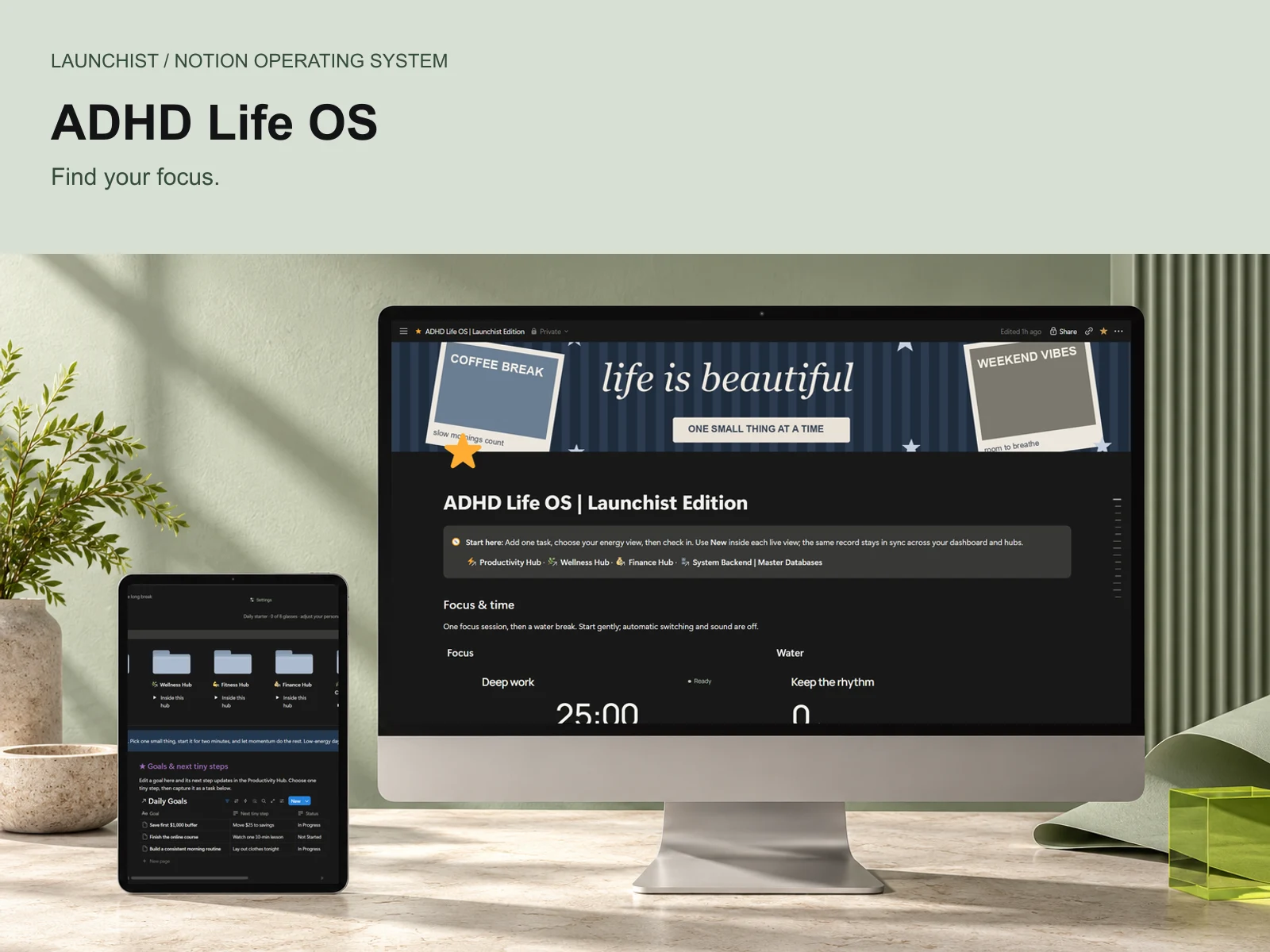
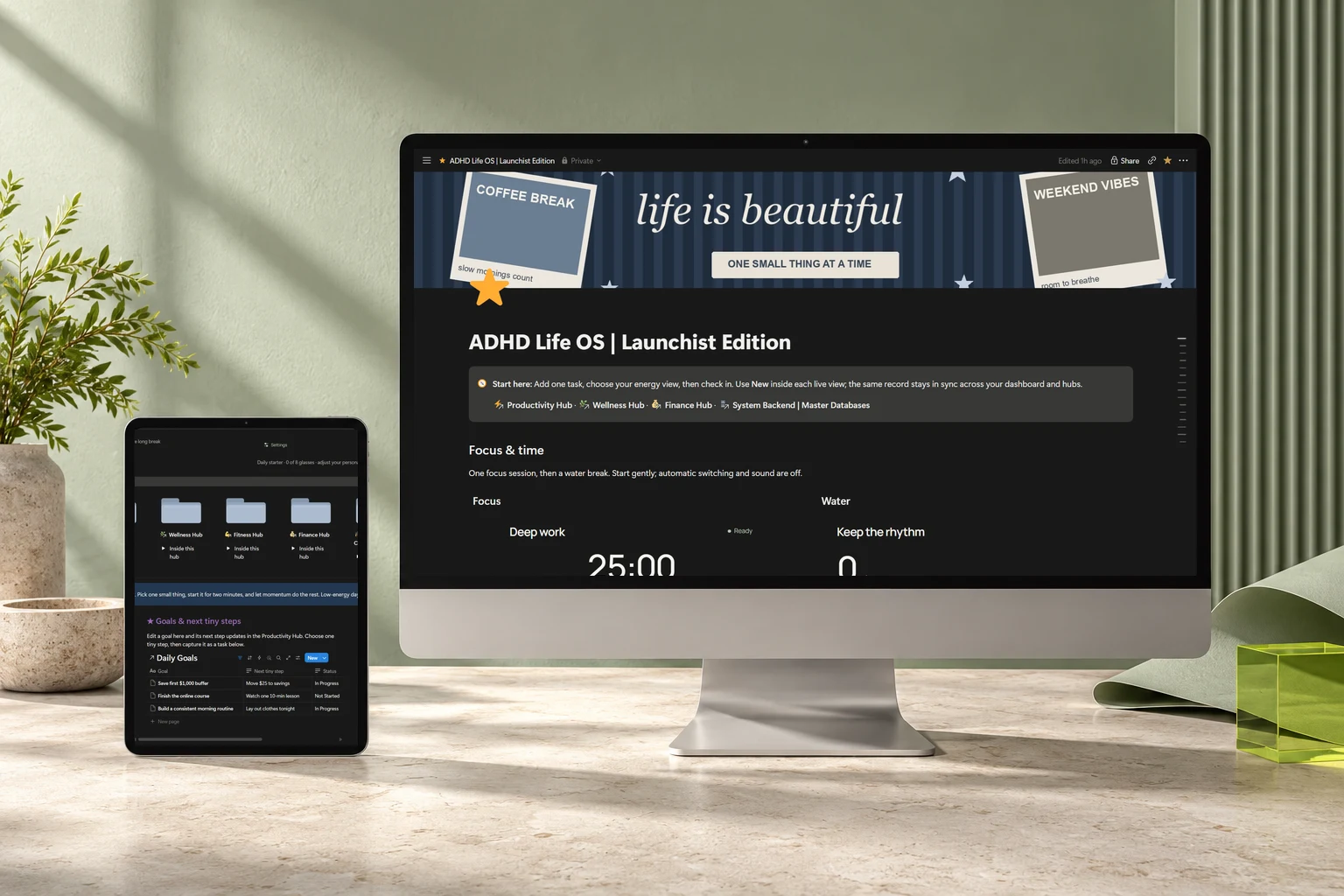
ADHD Life OS
An energy-aware home for your tasks, daily check-ins and the little things that make a life.
 Find your system
Real Notion systems.
A more conversational way to run them.
Stop making organization another task. Capture, plan and update your workspace through an authorized connected AI assistant.
“Add a deep-work session for today.”
Real isolated-copy test · 25-minute task saved in NotionWatch the recorded resultYou set it up. Make it beautiful. Promise you’ll keep it updated.
Then life happens. Tasks go uncaptured. The journal sits empty. Your dashboard stops looking like your actual day.
Launchist brings structure to your workspace—and guidance for a compatible AI assistant to help with the repetitive parts. So getting organized can feel less like upkeep.
How AI connects to NotionCapture in your own words. Let a supported connection handle the database entry. Review the result, and get back to your day.
A connected assistant inspected the copied database, created a 25-minute task, and read its values back. The result appeared in Notion.
Recorded test · 11 October 2026. Edited sequence of genuine screen captures; timing is condensed. Your assistant needs authorized Notion write access. AI is separate from the template.
Compare five systems for personal planning and business operations.
Explore the collectionAn energy-aware home for your tasks, daily check-ins and the little things that make a life.
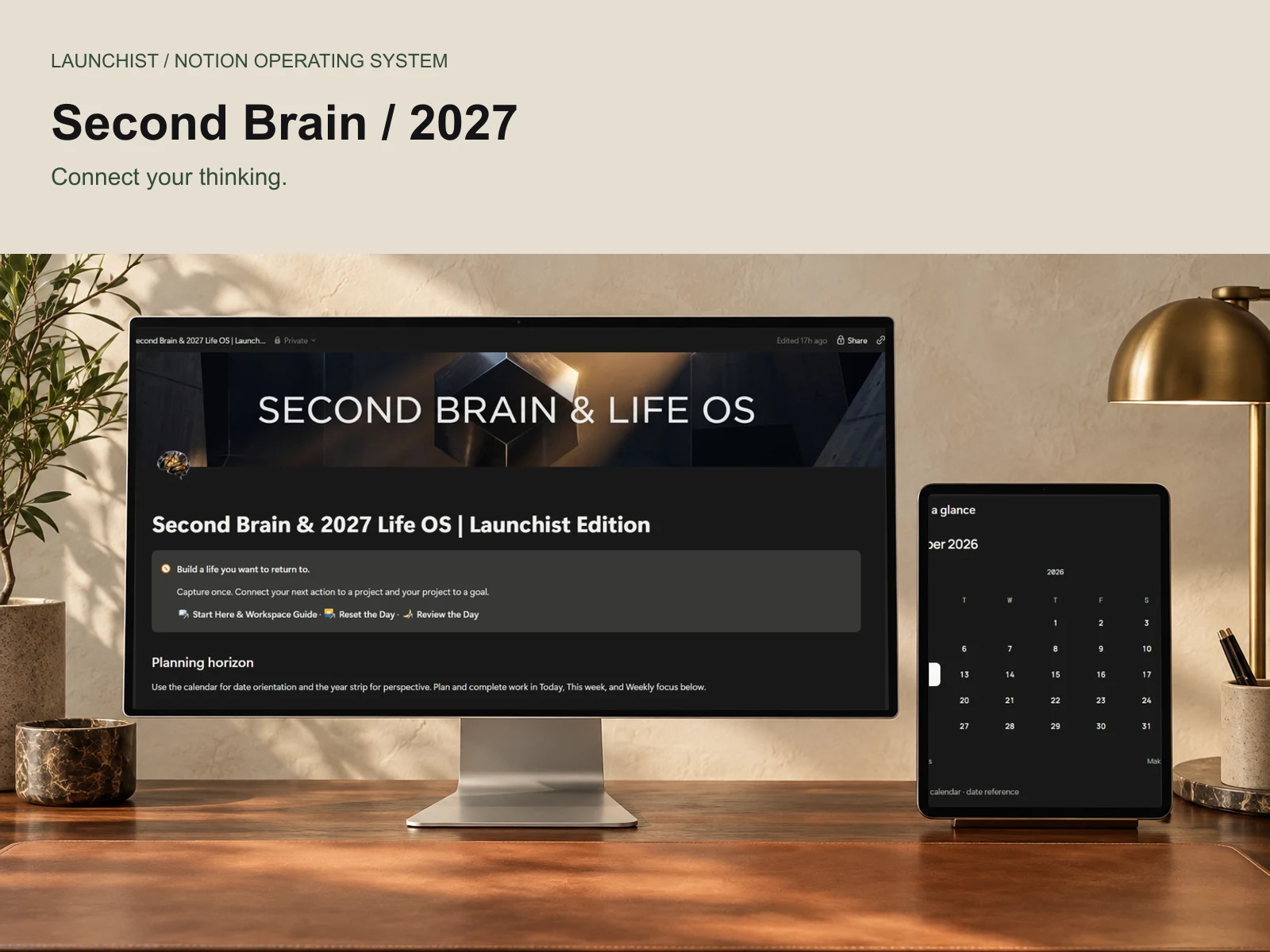
Connect what you know, what you want and what you do in one considered personal operating system.
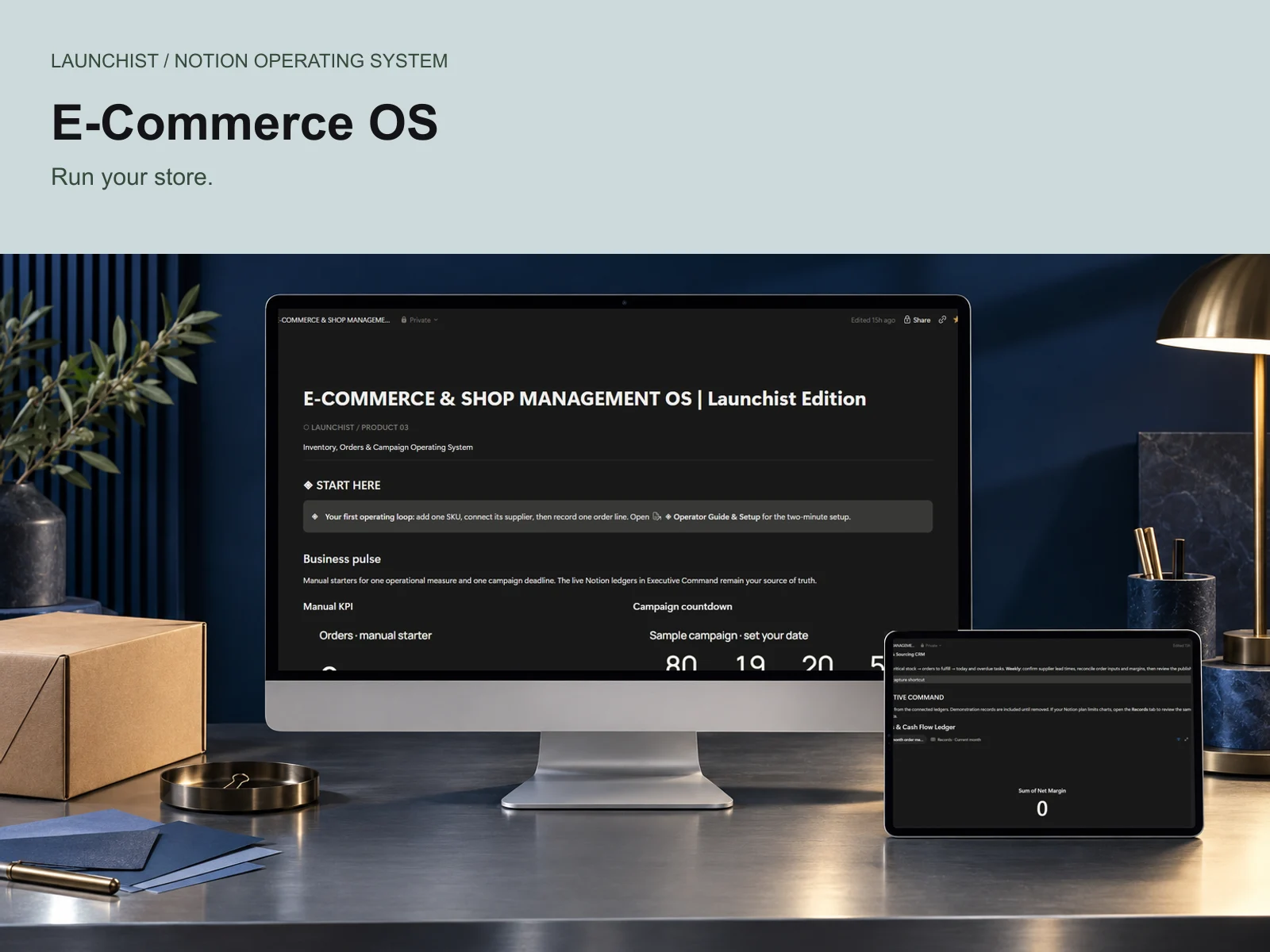
Stock, suppliers, order lines and campaign work, connected in one shop operations desk.
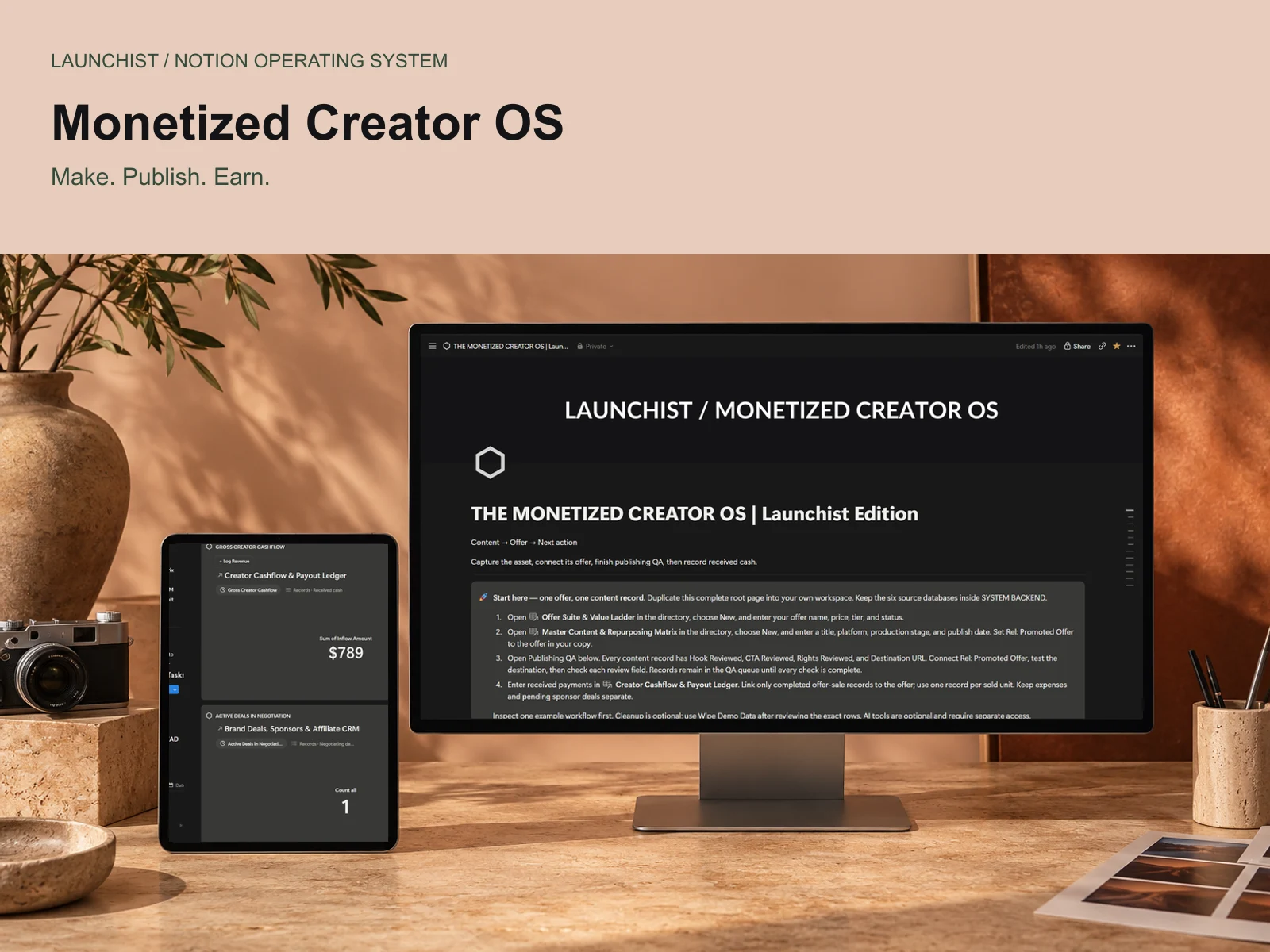
A production home for content, offers, partner opportunities and the money you actually receive.
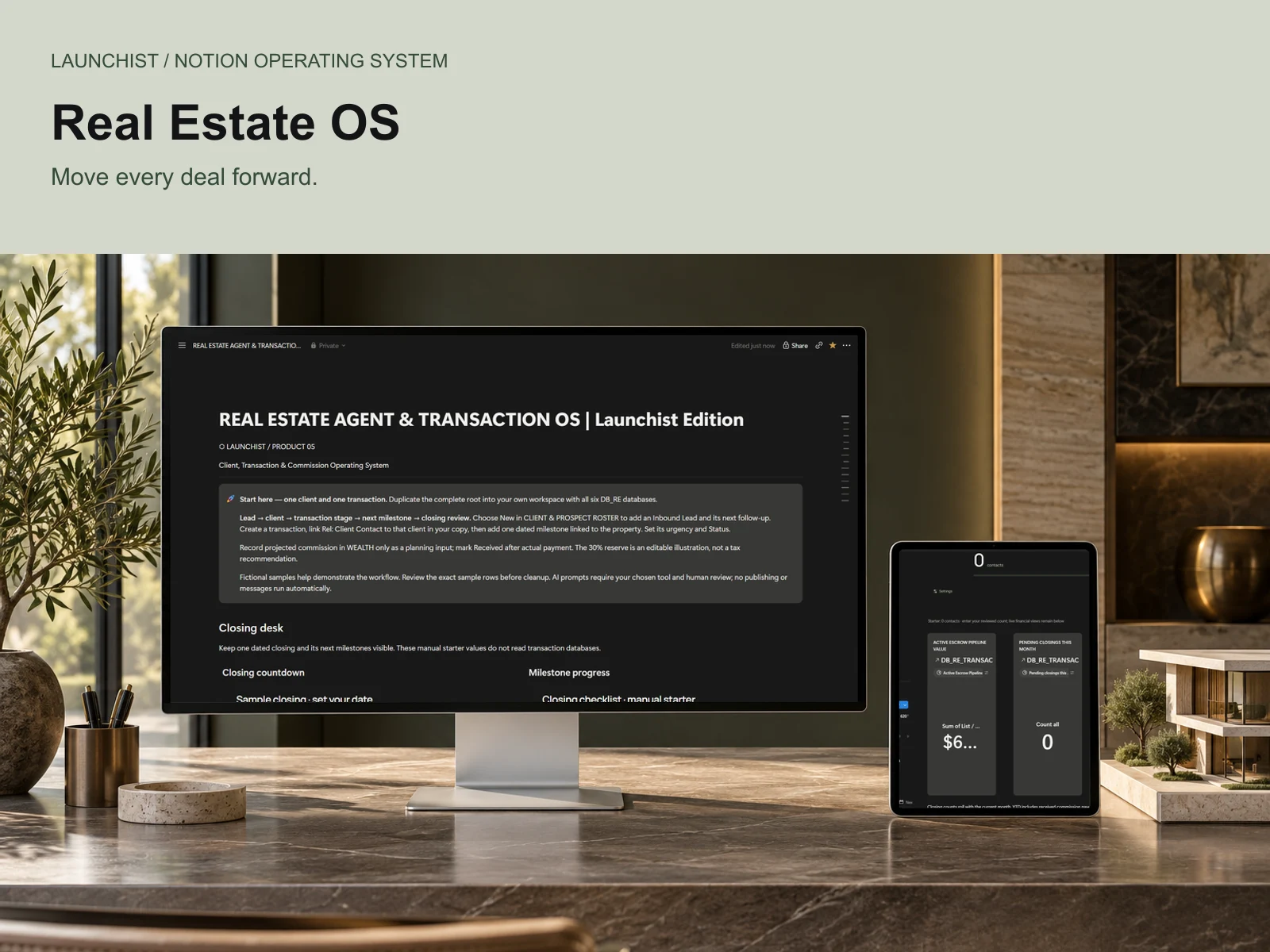
Bring clients, transactions, follow-ups and commission planning to one clear closing desk.
One-time prices in USD. Digital downloads delivered through Gumroad. Optional AI assistants and third-party widgets may have separate costs. Review our refund policy and license before purchase.
Choose a small next step that fits today. Keep your tasks, wellness and simple finances close without a complicated database engine.
Explore ADHD Life OSMove from a goal to its project to a dated next action. Bring your knowledge, routines and money into the same connected view.
Explore Second Brain & 2027 Life OS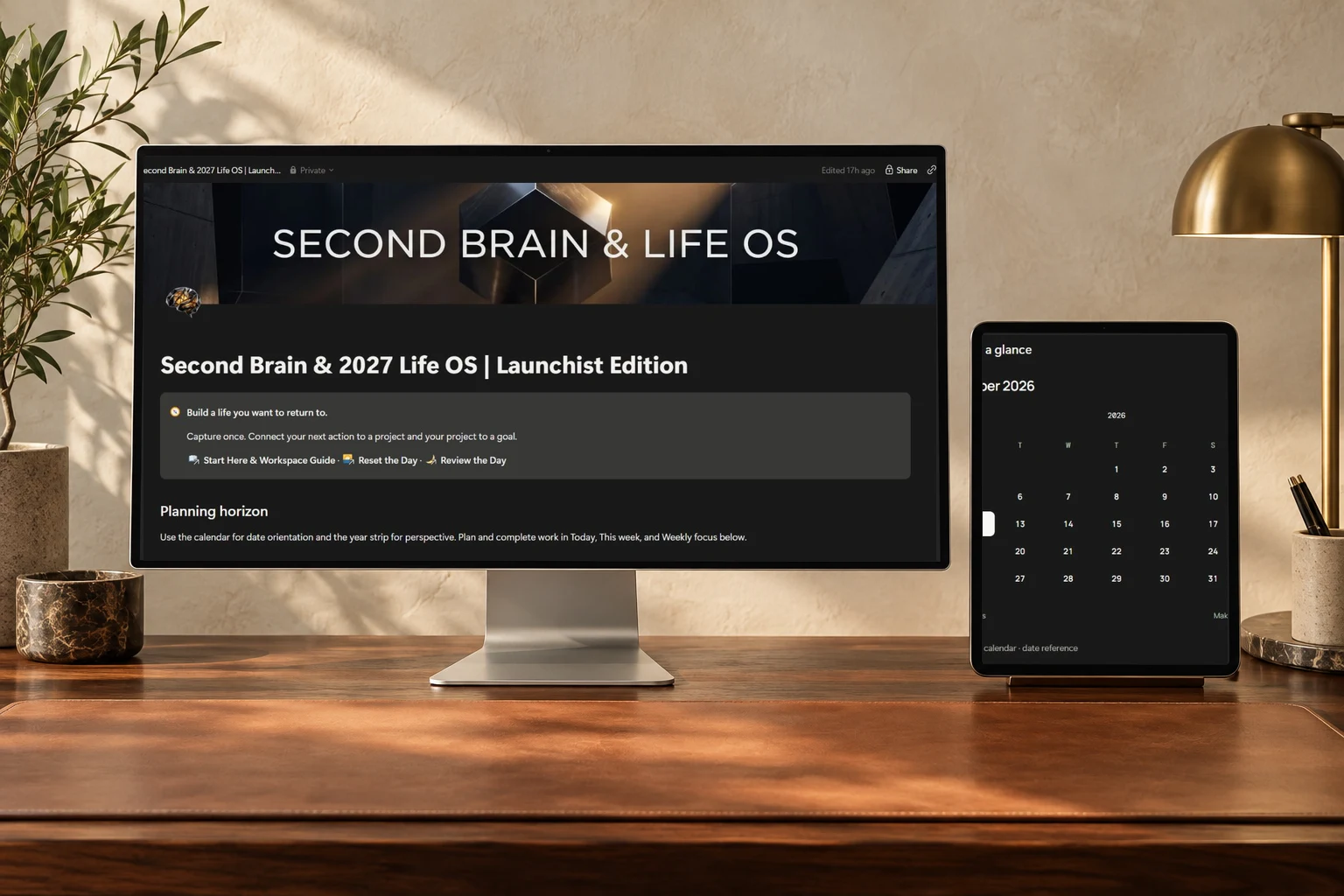
Keep every asset connected to its promoted offer. Plan production, track received cash and review your partner pipeline separately.
Explore The Monetized Creator OS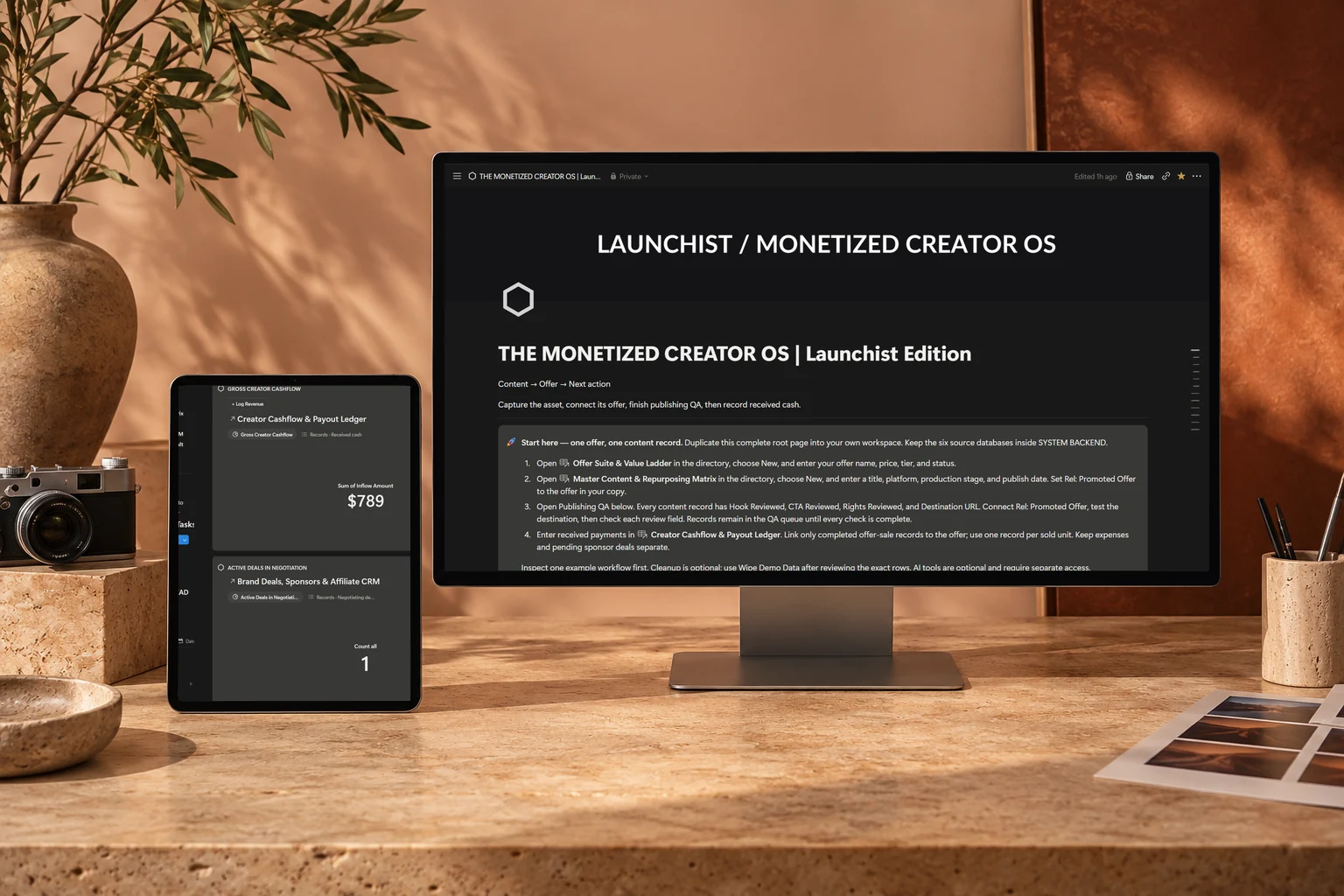
You own the workspace. You choose the assistant. You stay in control of what it can access and change.
Read the setup guideFind the structure that fits the work—or life—you want to support.
Use your delivered link to create your own copy. Keep its connected databases together.
Authorize a compatible assistant. Check which read and write actions it supports.
Try a prompt, review the destination and verify the saved record.
Good structure gives you somewhere to return to. Launchist is built around connected records, clear views and a calmer way to begin again.
About LaunchistActual dashboard screenshots. Products are digital Notion systems.An editable Notion operating system for your own workspace. Each product includes its connected structure and setup guidance. AI subscriptions and third-party services are separate.
No. You duplicate the system into your Notion workspace, then authorize your own compatible connection. Available actions depend on your assistant, plan, workspace permissions and connector.
A compatible connection with write actions can create or update supported records. We tested ADHD task creation and completion in an isolated copy using the connected Notion tools available in our setup. Other product examples are based on inspected schemas and still need testing in your own copy.
Yes. Native Notion databases and views remain the core workflow. AI assistance is optional; capture and update records directly in Notion whenever you prefer.
Core pages and databases use native Notion features. Plan limits may affect charts, AI and connectors. Records views provide an alternative to limited charts. Final buyer duplication on every plan is not yet certified.
Start with the part of your life that needs a little less friction.
Find your system